
Passkeys can make business sign-ins simpler and more resistant to credential phishing. A successful rollout also needs compatible applications, clear rules for credential storage and a recovery process that staff can trust. Start with a focused pilot, then expand as those pieces prove they work.
What changes when your team uses passkeys
A passkey lets someone sign in without typing a password for that account. The service stores a public key; the matching private key is held by an authenticator, such as a device, security key or passkey provider. The user approves sign-in with a supported unlock method, such as a fingerprint, face scan or PIN.
The credential is tied to the legitimate service. A lookalike website cannot simply collect it as though it were a reusable password. Biometric checks happen locally; the website does not receive a copy of the fingerprint or face scan. See the FIDO Alliance’s passkey overview.
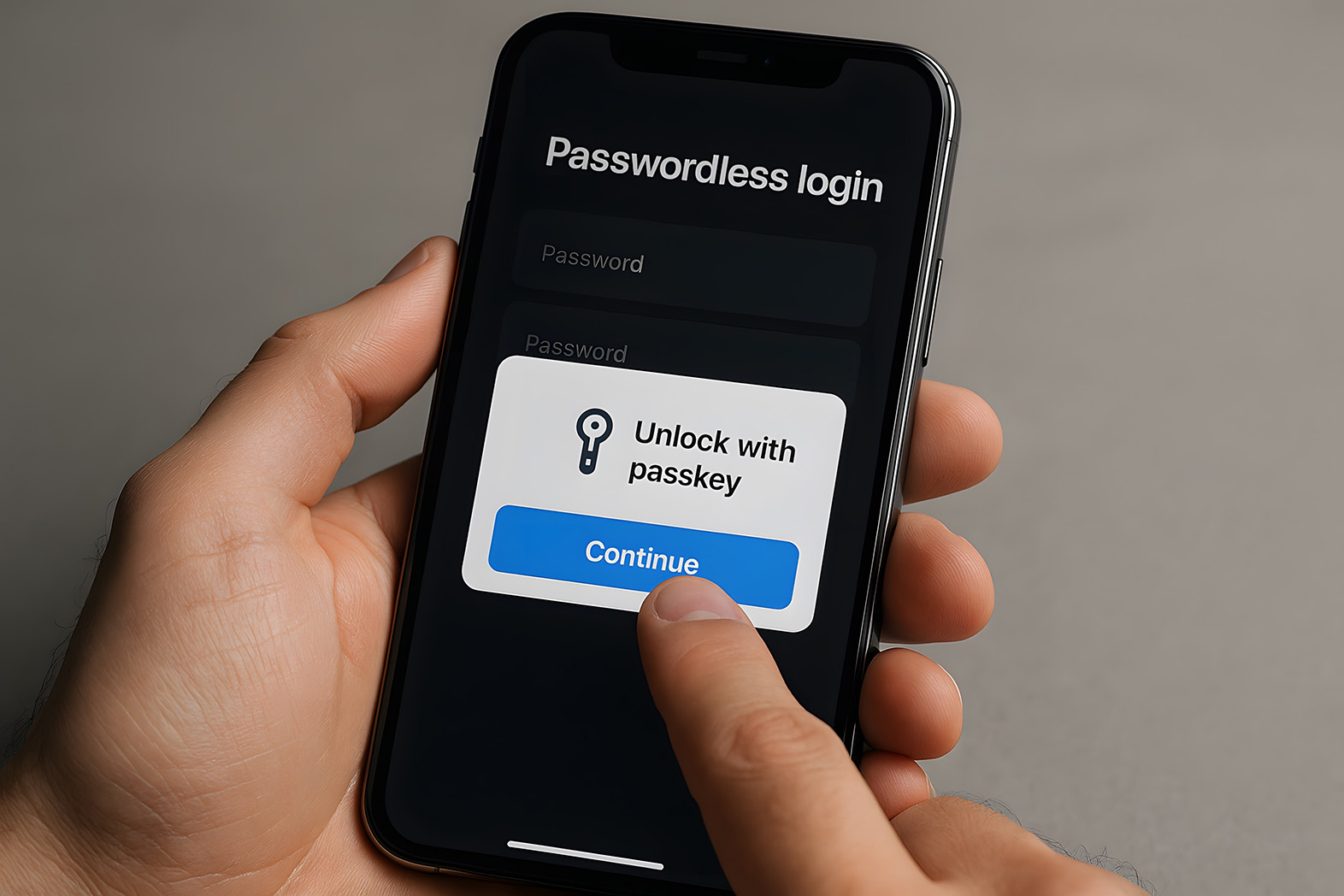
For staff, the visible change can be small: choose an account, unlock the authenticator and continue. For IT, the change includes registration, device ownership, recovery and access policies. Those operational details determine whether the experience stays straightforward.
The benefits are practical, but not unlimited
Reduce exposure to stolen passwords
Passkeys remove the reusable password from the passkey sign-in flow. That reduces the opportunity for password reuse and credential phishing on that route. It does not secure every other way into the account.
Make routine sign-in less frustrating
Staff can avoid remembering and entering a password for supported services. That can reduce reset work and sign-in friction, although the result depends on application support and how well the rollout is managed.
A passkey is phishing-resistant. An account with a weak fallback may still be phishable. Review password, SMS and recovery routes alongside the new sign-in method. FIDO’s phishing-prevention guidance treats login and recovery as parts of the same security decision.
Passkeys also do not replace endpoint protection, sensible access permissions or controls against fraudulent payment requests. Malware, stolen sessions and social engineering outside the sign-in flow still need attention.

Choose between synced and device-bound passkeys
Both approaches can provide phishing-resistant sign-in. The important differences are how credentials are stored, how users regain access and what the organisation can control.
Two passkey approaches to assess during your pilot| Approach | Business considerations |
|---|---|
| Synced passkeys | An approved provider makes an encrypted credential available across supported devices. Assess the provider account, recovery process and controls over where business credentials may be used. |
| Device-bound passkeys | The credential stays with a particular authenticator, such as a security key. Plan a second approved authenticator or a controlled re-enrolment process if it is lost. |
Microsoft’s synced passkey guidance recommends considering device-bound options for administrators and highly privileged users. Its synced passkeys do not support attestation, which some organisations use to check authenticator characteristics.
Set an explicit policy for personal devices and personal credential-manager accounts. Convenience alone should not decide where a business credential lives. Confirm how the organisation will revoke access when someone leaves.
Check your applications, devices and identity policies
Inventory the applications people actually use, including desktop clients, mobile apps, shared workstations, remote desktop and older business systems. A successful browser demonstration does not establish compatibility across the whole environment.
Microsoft environments
Microsoft Entra supports phishing-resistant passwordless methods and policy enforcement through Conditional Access. Registration and enforcement have different licensing considerations: Microsoft identifies Entra ID P1 for capabilities such as Conditional Access. Check your subscription and the specific method against its deployment prerequisites.
Apple environments
Apple supports managed passkeys through iCloud Keychain for Managed Apple Accounts, with controls over the device management state allowed to access them. Recovery differs from a personal account: Managed Apple Accounts do not support iCloud Keychain recovery through a recovery contact. Review Apple’s managed-account guidance before choosing the recovery process.
Applications without native passkeys
An application connected to your identity provider may benefit from stronger authentication at that provider, even without its own passkey screen. Verify the integration and any direct local-login route. For unsupported applications, keep appropriate MFA and document the remaining gap.
Design recovery before you enforce the change
Lost phones, damaged security keys and replacement laptops are ordinary support events. The rollout needs an answer for each one before staff depend on passkeys for their work.
- Initial registration: define how the first credential is issued to the right person.
- Backup access: provide an approved alternative that fits the role’s security requirements.
- Identity verification: specify how support checks a recovery request before registering a replacement.
- Lost authenticators: document revocation, re-enrolment and any account or session response needed.
- Leavers and role changes: remove access in business systems and review registered credentials.
- Emergency administration: maintain a separately controlled and tested access procedure.
Run a recovery exercise with the help desk during the pilot. Record where the user gets stuck, which approvals are needed and how long access takes to restore. A recovery document is useful only if the team can follow it.
Start with a focused pilot, then expand
1. Map the highest-impact accounts
Identify administrators, finance staff, executives and people who approve payments. Prioritise their protection, while checking that the proposed method works with their essential applications and recovery needs.
2. Pilot representative working patterns
Choose a small group across departments, device types and locations. Give the pilot a clear end date and named support owner. Test normal sign-in, travel, shared-device use where relevant and a lost-authenticator scenario.
3. Give staff simple instructions
Explain what prompt they will see, where to store their work passkey and what to do when a device is unavailable. Include a supported alternative for people who cannot use the preferred biometric or device.
4. Expand by application and department
Use the pilot findings to fix compatibility issues and training gaps. Move high-impact accounts into the appropriate enforced policy once their access and recovery paths have been tested. Document exceptions with an owner and review date.
5. Retire weaker routes deliberately
Making passkeys available is different from requiring their use. Tighten fallback methods only after confirming coverage and recovery. Check for direct application logins that bypass the central policy, and retain a controlled emergency procedure.
Measure the experience as well as enrolment. Track successful sign-ins, actual passkey use, password resets, recovery requests, support tickets and user feedback. Review security incidents too, without treating a quiet period as proof that compromise is impossible.
Put adoption claims in context
Passkeys are established enough to evaluate seriously, but industry growth does not prove that every application in your business is ready.
Google announced passkeys as the default option for personal Google Accounts in October 2023. That consumer announcement does not automatically set your organisation’s identity policy.
In its 2024 adoption announcement, FIDO reported that more than 15 billion online accounts could use passkeys. That describes availability across accounts, not 15 billion people actively using them.
Dashlane’s July 2024 report reported more than 400% growth in passkey authentications since the start of that year and higher sign-in success among its users. Those results describe Dashlane’s dataset, including limitations around distinguishing some WebAuthn uses. They are historical evidence, not a forecast of your help desk savings.
ThinkSwift helps map account risk, review compatibility, plan recovery and prepare staff for the change. We can also document the controls for audit and insurance discussions. The right starting point is a scoped readiness review, with outcomes measured in your environment.
Questions answered
01Are passkeys the same as a fingerprint?
No. The passkey is a cryptographic credential. A fingerprint, face scan or PIN can verify the person using the authenticator. The supported unlock options depend on the device and provider.
02Do passkeys replace MFA?
A passkey used with local user verification can satisfy multifactor requirements by combining possession of the authenticator with a PIN or biometric. Whether it satisfies your policy depends on the method and identity platform. Do not add SMS simply because there is no password prompt.
03What happens if someone loses their phone?
The answer depends on the chosen method. An approved synced provider may make the passkey available on another authorised device. A device-bound credential needs a registered alternative or controlled re-enrolment. Test recovery before enforcement.
04Can we remove every password immediately?
Usually a staged rollout is more practical. Review application coverage, direct login routes, recovery and emergency access before retiring weaker methods. Keep documented exceptions for systems that cannot yet support the intended approach.
05Can staff use passkeys on personal devices?
Only if your policy permits the specific device and storage provider. Decide where work credentials may be stored and how business access will be revoked. A consumer-friendly setup is not automatically the right choice for an administrator account.
Plan a passkey rollout your team can rely on.
Talk to us about your applications, high-impact accounts and recovery needs, and define a practical first pilot.
Talk it through